Fast, studio-grade extraction of high-fidelity audio from YouTube videos and Shorts. Pure uncompressed PCM sound, zero quality loss, and instant direct downloads.
Instant Extraction
No Account Needed
Auto File Purge
Fetching video information...
WAV (1411 kbps)Stereo 44.1 kHz PCM
Demuxing audio stream...
0%
Your audio track is prepared. Direct download starts automatically without leaving this page.
Recent Conversions
Studio Grade Fidelity
Uncompressed 16-Bit Linear PCM Sound
Unlike typical web downloaders that compress audio multiple times, our demuxing pipeline extracts the raw audio stream directly into a 1411.2 kbps Red Book WAV container. This prevents generational transcoding loss and keeps every transient crisp.
Sampling Rate44.1 kHz Standard
Bit Depth16-bit Full Dynamic
Data Bitrate1411.2 kbps Lossless
DAW Ready100% Native Support
High-Speed Extraction
Direct stream demuxing yields your finished audio file in about 5 to 7 seconds without long queues or throttling.
True 1411 kbps WAV
Generated in 16-bit uncompressed PCM at a 44.1 kHz sample rate — identical to standard CD audio specification.
No Registration
No email address, account sign-up, or third-party software installation required. Paste and download.
Automatic File Purge
All converted audio files are permanently removed from temporary storage within 30 minutes to maintain complete privacy.
Workflow
How to Convert YouTube to WAV
1
Copy YouTube URL
Find the video or Short on YouTube and copy its web link from your browser or the mobile share menu.
2
Select Output Format
Paste the link into the converter box above and choose either WAV (lossless) or MP3 (compressed).
3
Download Audio
Click Convert, wait a few seconds for processing to finish, and download the audio directly to your device.
Understanding WAV vs MP3: Technical Comparison
Audio formats fall into two broad categories: uncompressed (lossless) and compressed (lossy). Choosing the correct format depends on what you plan to do with the extracted audio track.
Feature
WAV (Waveform Audio)
MP3 (MPEG Layer III)
Compression Type
Uncompressed (Linear PCM)
Lossy compression
Bitrate
1411.2 kbps (Fixed standard)
Up to 320 kbps
Sample Rate & Depth
44.1 kHz, 16-bit stereo
44.1 kHz, perceptual encoding
Quality Retention
100% Intact
Compressed to save space
Best Used For
DAWs, music mixing, sampling, editing
Everyday mobile playback
Why Convert YouTube to WAV?
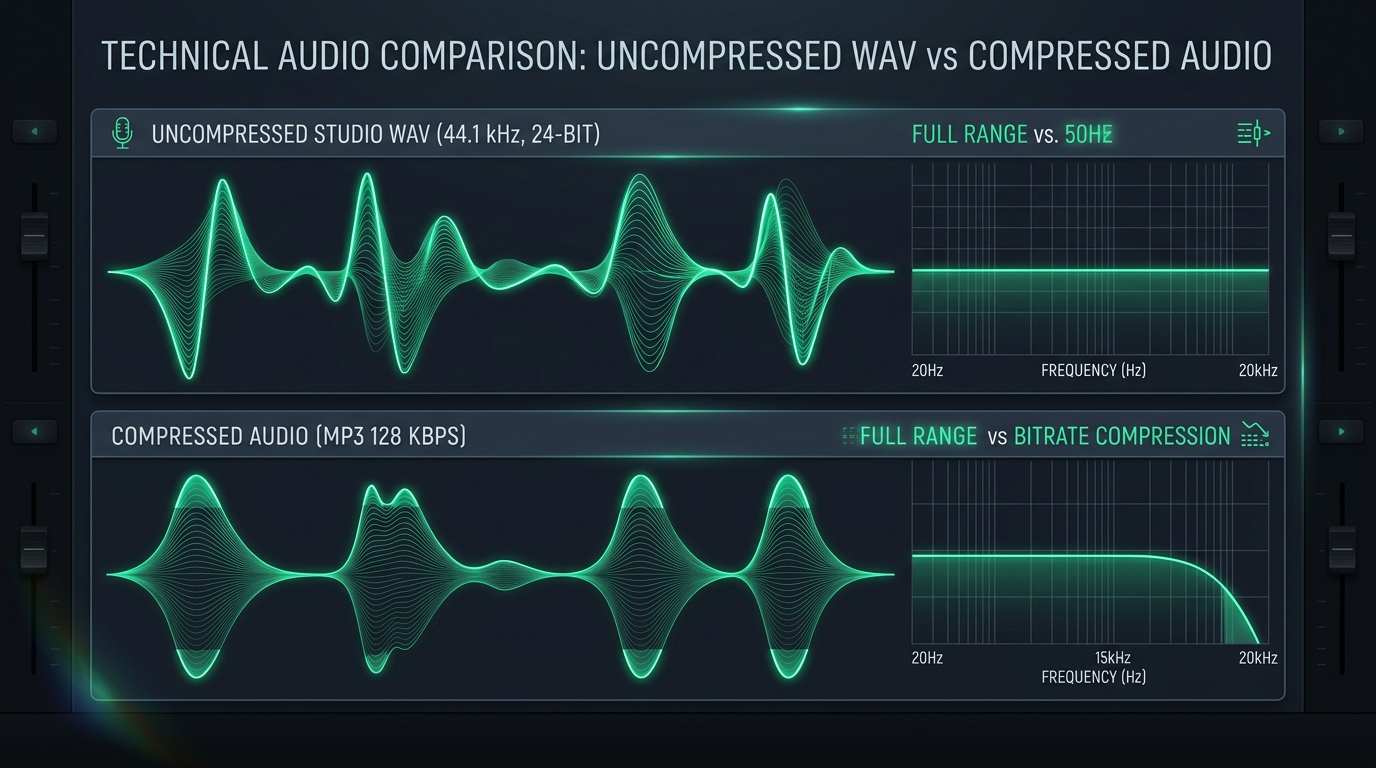
YouTube delivers audio using lossy codecs such as Opus or AAC. When downloading as MP3, files undergo a second compression step ("transcoding degradation"), causing cumulative high-frequency loss.
Converting directly into a WAV container preserves the stream data within an uncompressed 1411 kbps PCM header, ensuring zero additional quality loss during editing in Ableton, FL Studio, Logic Pro, Audacity, or Premiere.
Assistance
Frequently Asked Questions
Is yttowav.space completely free to use?
Yes, yttowav.space is 100% free with unlimited conversions. We do not have any paid tiers, subscriptions, or credit restrictions.
What is the audio quality of the converted WAV files?
Our engine outputs standard CD-quality 16-bit linear PCM WAV audio at 1411.2 kbps with a 44.1 kHz sample rate.
Does the tool work on mobile phones?
Yes. The website is fully optimized for smartphones and tablets across iOS (Safari, Chrome) and Android (Chrome, Firefox, Brave) with no apps required.
What is the maximum video length supported?
Videos up to 2 hours in duration are supported.
Are converted files stored on your servers?
No files are permanently retained. Temporary audio files are automatically purged from our servers within 30 minutes of creation to safeguard your privacy.
Can I convert YouTube Shorts into WAV audio?
Yes. Simply paste the YouTube Shorts URL into the converter box and our system will extract the audio track in exactly the same way as standard videos.
Conversion Notice
We were unable to process this video link. The video may be private, age-restricted, or region-blocked.
Upgrade to Unlimited Studio Audio
You have reached your daily free limit. Upgrade now for unlimited high-bandwidth 1411 kbps lossless downloads.